Brand storyteller
A recurring series needs a recognizable speaking character rather than a one-off reading.
Define the intended character first, then test whether the available controls can support it consistently.
custom voice makerSpeech creation
An ai voice maker helps turn a written script into spoken audio. Start with a short passage, listen for pronunciation and pacing, then revise the words before committing to a longer narration.
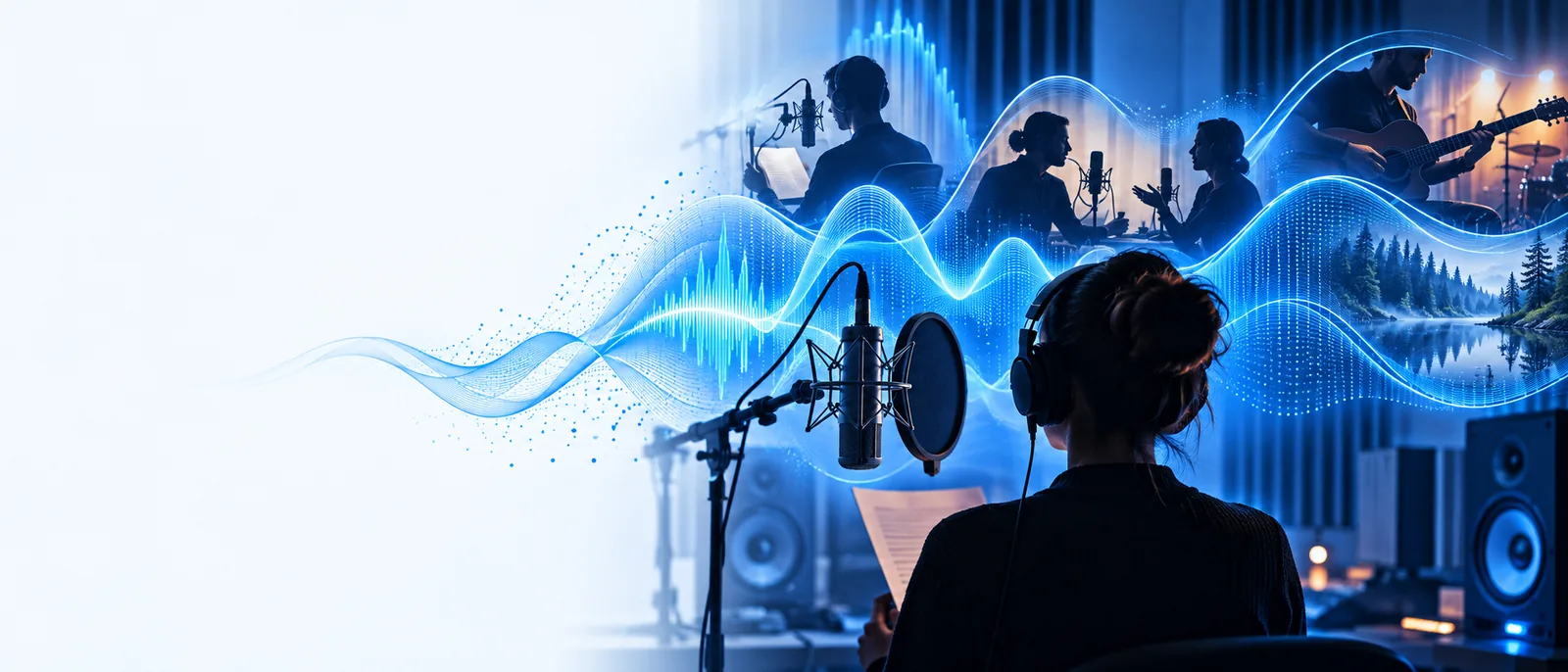
Synthetic speech is useful when the words may change. A recorded performance remains a better fit when a particular person's delivery is essential.
The process starts with text, but the quality of a result also depends on how the words are interpreted and how you review the delivery.
Write sentences for the ear rather than the page. Spell out ambiguous abbreviations, separate long lists and add punctuation where a listener should hear a pause.
A speech model produces a spoken interpretation of the text. Voice character and delivery can affect how the same sentence sounds; available choices depend on the tool you use.
Check names, numbers, emphasis and transitions against the script. If a phrase sounds awkward, changing the wording often works better than generating the identical passage again.
Use this comparison before drafting the full script. It separates practical workflow differences from assumptions about what any particular tool can deliver.
AI-generated narration
Recorded human narration
AI-generated narration
A written script prepared for speech
Recorded human narration
A script and a person ready to perform it
AI-generated narration
Generate a reading, then listen to it
Recorded human narration
Record a take, then play it back
AI-generated narration
Revise the text and generate the affected passage again
Recorded human narration
Arrange and record another take
AI-generated narration
Test unusual words and adjust their written form if needed
Recorded human narration
Give the speaker a pronunciation guide
AI-generated narration
Assess the available voice and delivery choices by listening
Recorded human narration
Direct the performer during the session
AI-generated narration
Check clarity, consistency and any applicable use terms
Recorded human narration
Check the performance, recording quality and permissions
Choose a workflow around the listener and the destination, not just the sound of a single sample.
A recurring series needs a recognizable speaking character rather than a one-off reading.
Define the intended character first, then test whether the available controls can support it consistently.
custom voice makerA lesson script is updated whenever instructions change.
Keep the source text organized so revised passages can be checked against the rest of the lesson.
voice generator text to speechA short narration must make sense alongside on-screen actions and captions.
Write to the scene length, then listen while watching the cut rather than judging the audio alone.
text to speech video maker onlineA clean-looking script does not guarantee a convincing reading. Treat names, abbreviations, emotional nuance and scene timing as things to verify by ear.
These illustrations show stages of review, not a measured before-and-after result. Do not assume an AI-generated voice has permission to imitate a real person; check consent, usage rights and the destination platform's rules.
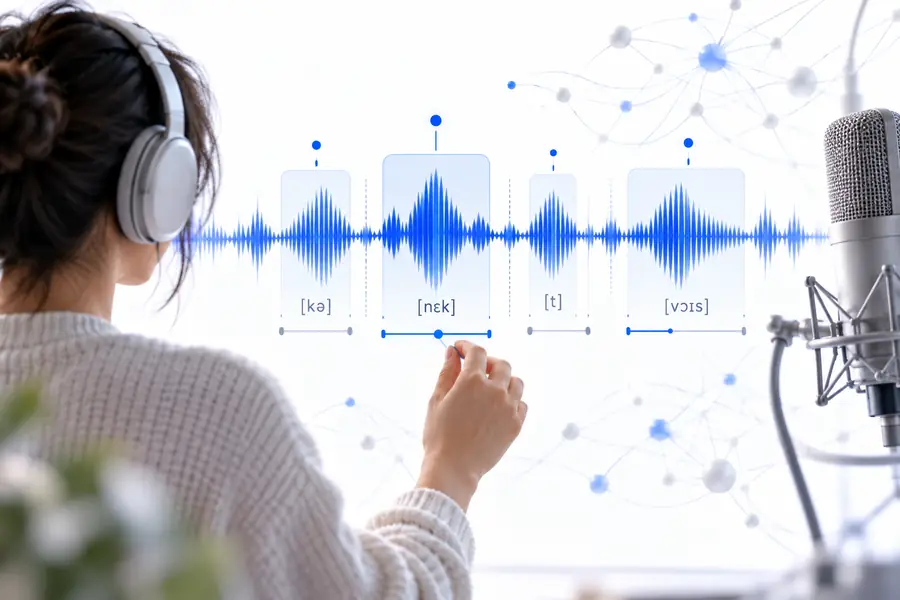
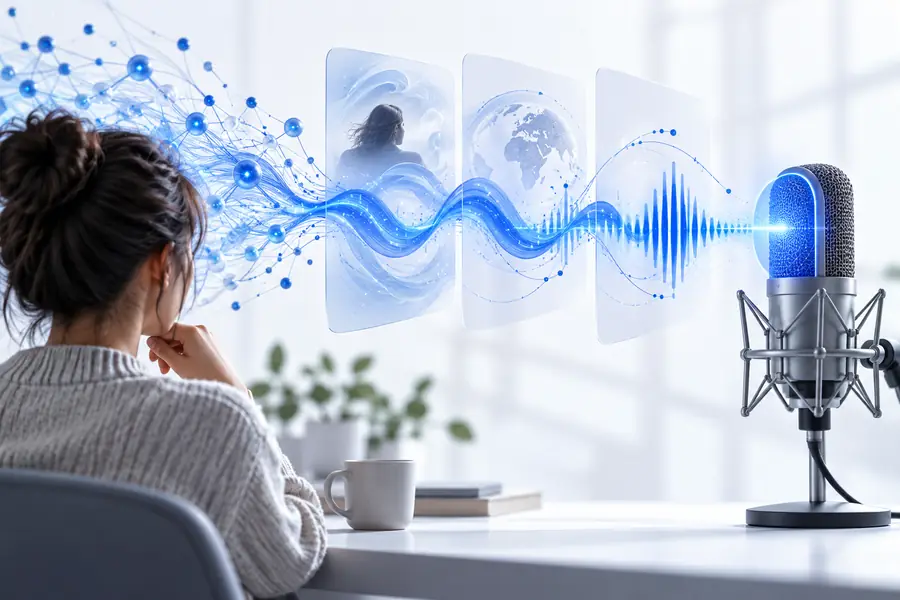
Choose a short section with a name, a pause and a change of emphasis. Listening to that passage gives you something concrete to revise before you build out the rest of the narration.
Try voice creationIt uses a speech model to produce spoken audio from written text. The result is a generated interpretation of your script, so you should listen to it rather than assume every word and pause will land as intended.
Start with short, conversational sentences and punctuation that reflects where you want pauses. Test a small passage, then rewrite awkward phrases, names or abbreviations based on what you hear.
Generated narration can be planned for video, but the audio still needs to fit the scenes and captions. Check the terms of the service you use and any applicable publishing rules before releasing the finished work.
Some voice technologies can produce a likeness, but that does not establish permission to use someone's identity. Get the necessary consent and review the tool's terms before attempting any recognizable imitation.