Voice planning
Give your custom voice maker a direction worth testing
A custom voice maker works best when you describe the sound you want, where listeners will hear it, and what the voice must say. Start with a short brief, then judge the result against a real script rather than a generic demo.

Prerequisites
You need a use case and a line of copy before you can tell whether a voice fits.
-
1
Write the listening context
Name the audience, channel, and intended mood. A calm museum guide and an energetic event announcement call for different delivery, even when the words are identical.
-
2
Choose a revealing test line
Use one or two sentences from the actual project. Include a name, a pause, or a technical term if those are likely to appear in the finished script.
-
3
Define what you will judge
Decide whether clarity, pace, pronunciation, or emotional restraint matters most. Keep the brief specific enough to compare results without treating every variation as an improvement.
One full run-through
For a museum guide, begin with a restrained narration brief and a sentence visitors will actually hear.
Options table
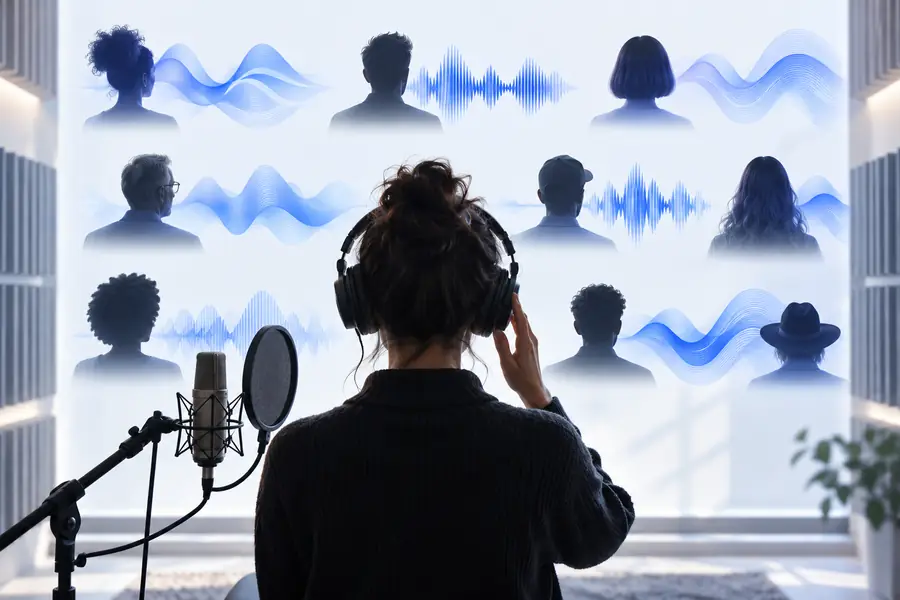
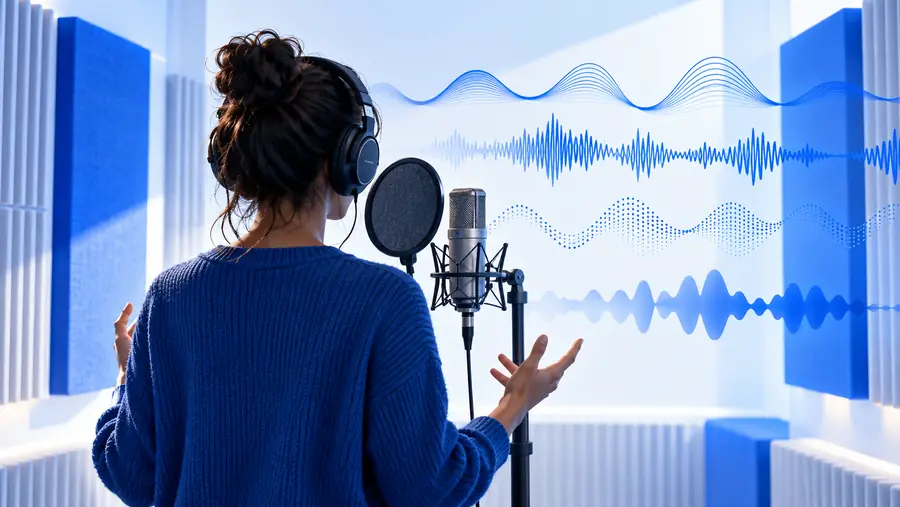
Use the two approaches pictured here as a planning comparison, not as a promise that every voice maker offers the same controls.
- Start with a preset
- Start with a tailored brief
In the museum example, try a suitable existing voice first. Then test a more detailed brief: warm but not theatrical, measured without sounding slow, with the gallery name pronounced clearly. Listen to the same sentence in each approach. The images illustrate the decision; they are not samples of audio output or a verified product interface.
What fails
A detailed prompt can guide a test, but it cannot guarantee a particular voice or rescue unsuitable copy.
-
A brief is not a voice identity
Words such as warm and confident describe a direction, not a uniquely reproducible sound. Two attempts may interpret them differently.
WorkaroundKeep the test script fixed and record which descriptions produce the closest fit.
-
Names may still sound wrong
Unusual names, abbreviations, and borrowed words can expose pronunciation problems that a polished demo sentence misses.
WorkaroundPut difficult terms in the first test and adjust spelling or surrounding copy if needed.
-
More emotion is not always better
An expressive delivery can distract from instructions, accessibility copy, or factual narration.
WorkaroundSpecify the acceptable level of expression and compare it with a neutral read.
-
A written brief does not grant cloning rights
Describing a recognizable person does not establish consent to reproduce their voice, and available creation methods may differ.
WorkaroundSeek an original sound and confirm permissions before using any person's recordings.
Where the approaches break down
This comparison is a decision aid for the museum-guide test, not a list of verified Voicemaker settings.
Existing voice
Tailored voice brief
Starting point
Existing voice
Select a voice that already suits the project.
Tailored voice brief
Describe the intended sound and listening context.
First test
Existing voice
Read the actual museum introduction.
Tailored voice brief
Read that same introduction using the brief.
Best use
Existing voice
A suitable voice is already available.
Tailored voice brief
The available choices miss a specific tone.
Main risk
Existing voice
Settling for a voice that only works in a short preview.
Tailored voice brief
Writing an elaborate brief that produces no meaningful improvement.
Pronunciation check
Existing voice
Test gallery names before committing.
Tailored voice brief
Test the same names; descriptive detail alone will not fix them.
Decision rule
Existing voice
Keep it if the full passage is clear and appropriate.
Tailored voice brief
Keep refining only if each change improves the real passage.
Take the brief into a real test
Hear the script, not just the idea
Bring your intended audience, a concise voice description, and one representative passage. Check which options are available after opening, listen for pronunciation and pacing, and revise the copy or brief based on what you hear.
Explore voice options- Test one representative passage
- Compare against the same script
- Check names and difficult terms
Custom voice questions
A preset is an existing voice you choose; a custom approach starts with a particular sound or use case you want to achieve. That may mean refining a brief or using other creation methods where available. The label alone does not tell you which controls a service provides.
Not necessarily. You can begin by describing a desired delivery and testing it against written copy, while some voice-creation methods may involve recordings. Check the available method and its consent requirements before supplying anyone's audio.
State the audience, purpose, pace, and emotional range, then include a sentence from the real project. For example, a museum guide might call for measured, welcoming narration without a promotional tone. Listen to the sentence before adding more adjectives.
A written description cannot guarantee an exact match. Reproducing an identifiable person's voice also raises consent and usage questions, regardless of the method. Aim for qualities that serve the project rather than someone's identity.