Songwriter
Testing a chorus melody or lyric emphasis before booking a session.
A concrete vocal reference makes the next writing decision easier.
voice maker for femaleMusic workflow
The best AI voice generator for music should help you test direction before you commit to a final take. Use Voicemaker to shape a lyric concept, vocal character, or guide performance while keeping the creative brief clear.
Music work benefits from quick, specific references. These related guides cover adjacent voice workflows without replacing the decisions your song still needs.
A generated vocal concept can accelerate exploration, but it does not remove the creative and technical work of finishing a song.
A generated guide may suggest phrasing and tone, but it is not automatically a release-ready lead vocal with human nuance.
WorkaroundUse it as a reference for a singer, producer, or later recording session.
Vague instructions often produce generic delivery, unstable emphasis, or a mood that does not support the song.
WorkaroundState the genre, tempo, emotional arc, vocal character, and the exact section you are developing.
A voice draft does not know whether the chorus needs more space, a harmony, a pause, or a different instrumental lift.
WorkaroundReview the result against the arrangement and revise the brief around the musical moment.
A suitable sound does not by itself establish ownership, permissions, or release rights for every use case.
WorkaroundKeep records of your source material and verify the rights and platform terms before distribution.
Treat the process as a short creative loop: define the moment, generate a focused guide, then judge it inside the arrangement.
Name the section, tempo, genre reference, lyric intent, vocal character, and emotional movement you want to test.
Ask for one clear vocal direction rather than a full finished song. Specific prompts make comparison and revision easier.
Listen against the chord movement and arrangement, then adjust emphasis, tone, or phrasing where the guide misses the intent.
The useful comparison is not simply whether a voice sounds polished. It is whether the result helps the team make a better musical decision.
Loose voice prompt
Music-ready brief
Loose voice prompt
General song idea
Music-ready brief
Verse, pre-chorus, or chorus identified
Loose voice prompt
Usually omitted
Music-ready brief
BPM or a clear pace reference
Loose voice prompt
Bright, nice, or emotional
Music-ready brief
Specific register, attitude, texture, and intensity
Loose voice prompt
Words pasted without context
Music-ready brief
The line's story beat and intended emphasis
Loose voice prompt
No indication of how it fits
Music-ready brief
Guide, hook test, topline sketch, or narration layer
Loose voice prompt
No clear reason to change it
Music-ready brief
A defined issue such as rushed phrasing or weak lift
Loose voice prompt
Judged in isolation
Music-ready brief
Checked against chords, tempo, and the surrounding section
Use these concrete checks before carrying a generated idea into a larger production session.
Specific briefs make musical comparison easier.
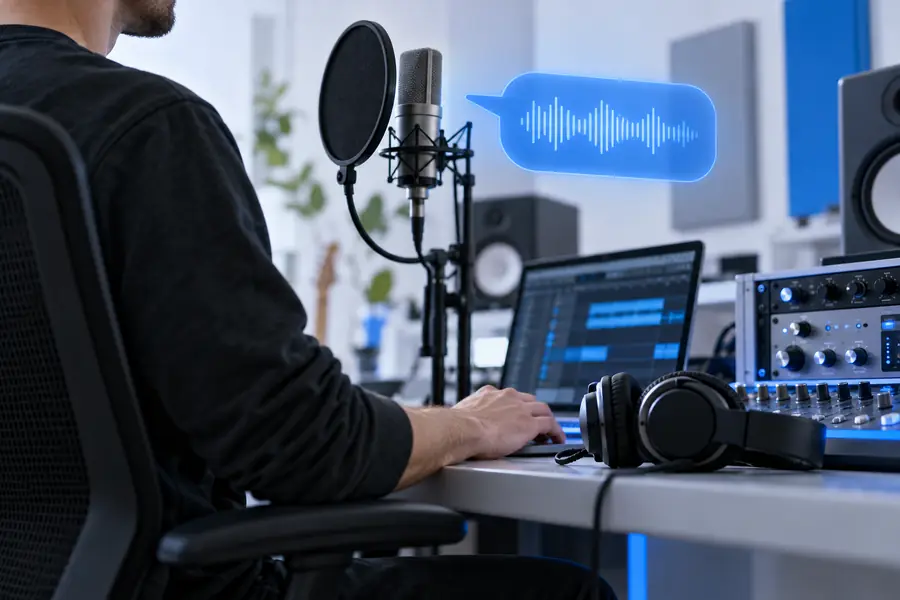

Different music roles need different kinds of voice support. Start with the smallest useful output, then pass the direction to the person or stage that owns the final result.
Testing a chorus melody or lyric emphasis before booking a session.
A concrete vocal reference makes the next writing decision easier.
voice maker for femaleComparing vocal attitudes across a demo without rebuilding the arrangement each time.
A focused guide helps identify which tone serves the track.
ai voice generator for advertising freeCreating a vocal idea for a short-form music teaser or behind-the-scenes clip.
The voice direction can be tested before the edit and final recording are locked.
ai voice generator for advertising freeBring the musical decision you are trying to make: a hook, a chorus lift, a spoken intro, or a guide performance. A focused prompt gives you something concrete to review with the track.
Create a vocal draftAnswers to practical questions about using an AI voice workflow while developing music.
Include the song section, genre, tempo or pace, lyric intent, vocal character, and emotional direction. If the voice is only a guide, say whether you are testing a hook, topline, harmony idea, or spoken layer.
It can help develop a vocal concept or guide, but it should not be treated as an automatic replacement for songwriting, arrangement, performance, mixing, or release preparation. Review the result in the context of the full track.
Replace broad words such as beautiful or emotional with concrete musical direction. Specify register, intensity, phrasing, texture, tempo, and the exact story beat the line should communicate.
That depends on the tool, the source material, and the permissions attached to the final output. Keep a record of your process and confirm the applicable rights and platform terms before commercial distribution.
Usually, a smaller section is easier to judge and revise. Start with the chorus, hook, or another clearly defined moment, then use the successful direction as a reference for later sections.